TL;DR
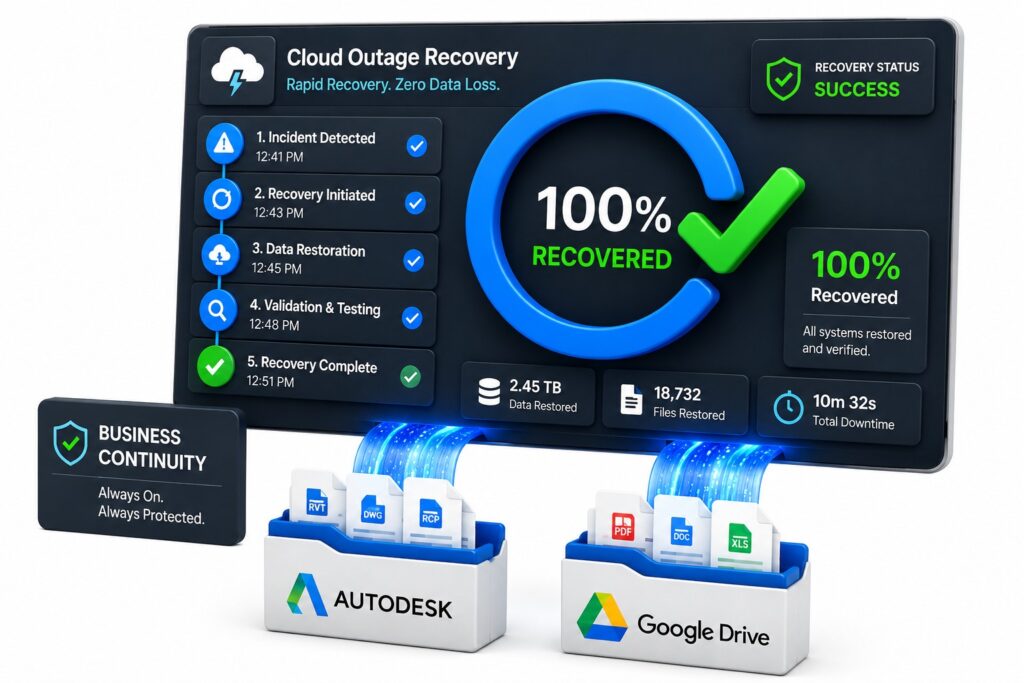
If your primary cloud environment became unavailable tomorrow, how quickly could you recover? The answer depends less on where your data is stored and more on whether you have a backup you can trust. Read more…
Cloud storage has become the default workplace. Egnyte, SharePoint, and Google Drive are used by organizations every day. But running on the cloud and having your data protected are two very different things.
Here’s a question worth asking your IT team today: if access to your Egnyte or Autodesk data was suddenly lost tonight, how long would recovery take?
A 2025 ransomware research surveyed 1,100 global security leaders and found that 78% experienced a ransomware attack in the past year. Of those who felt “very well prepared,” only 22% recovered within 24 hours.
In 2026, effective cloud backup security requires an independent backup strategy that keeps critical data protected, accessible, and recoverable.
Why Cloud Storage ≠ Cloud Backup
Platforms like Egnyte, SharePoint, Google Drive, and Autodesk Construction Cloud are built for one thing: helping your teams access and share data. They do that well. But these tools and backup solutions solve fundamentally different problems.
When a file is accidentally deleted, corrupted during a sync, or encrypted by ransomware, recovery through your primary platform is constrained by whatever that platform natively offers, such as retention windows, version limits, and recycle bin depth.
Among organizations that paid a ransom, 78% were attacked again. The core message is accurate here: paying ransom doesn’t prevent repeat attacks, and backup quality is often the real barrier to recovery.
What Cloud Backup Security Means in 2026
A few years ago, “cloud backup” mostly meant copying files somewhere off-site. In 2026, the bar is higher, and the threats are more specific.
Effective cloud backup security now means:
Independence from the primary environment. If your Egnyte/Autodesk instance is compromised, your backup needs to be somewhere an attacker can’t reach from the same access point. A backup stored within the same ecosystem it’s protecting isn’t really independent
Set & Forget automation. A scheduled, automated backup removes the human variable. Once configured, backups run automatically according to the time you define.
Data ownership, and not dependency. Your backup data should live in a destination you control, such as your own cloud storage, your own infrastructure, and not inside a vendor’s proprietary repository.
Request a free Egnyte/Autodesk backup demo
Key Cloud Backup Security Practices for 2026
Effective cloud backup security goes beyond creating copies of your data. Companies should prioritize:
- Independent backups stored outside the primary environment
- Multi-factor authentication for backup access
- Automated backup schedules that reduce human error
- Regular recovery testing to verify backups are usable
- Strong retention policies that protect against accidental deletion and ransomware
How Cloudsfer Approaches This
Cloudsfer’s backup solution was built for automated, independent backups of cloud data, including data stored in Egnyte and Autodesk Construction Cloud, without storing your data on Cloudsfer’s own servers.
A few things worth knowing about how it works in practice:
Automated scheduling. Backups run on whatever schedule fits your environment, such as daily, weekly, monthly, or hourly for higher-sensitivity data. Once configured, they run without manual intervention.
BYOS(Bring Your Own Storage). Your backup data goes directly to a destination you own and control: Amazon S3, Azure Blob Storage, or another supported target.
Incremental Backups. After the initial backup is completed, Cloudsfer only transfers new or modified data. This reduces bandwidth usage, shortens backup windows, and helps ensure that backup jobs remain efficient as data volumes grow.
Cross-Cloud Protection. Cloudsfer allows organizations to back up data from one cloud platform to a different cloud provider. This creates an independent copy of critical data and reduces dependency on a single vendor.
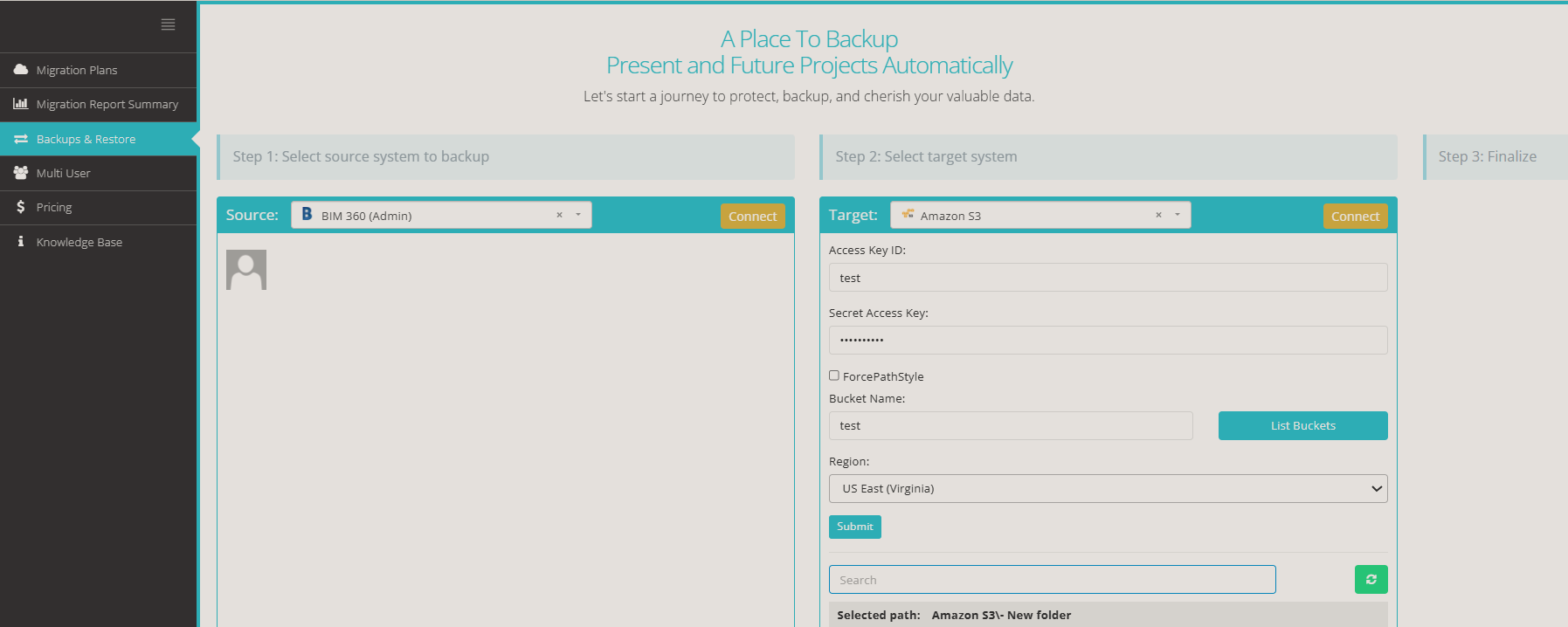
Setup is straightforward: select your source, select your destination, configure your schedule, and it runs.
Summing Up
Egnyte, Autodesk, and SharePoint – these platforms are worth protecting precisely because organizations rely on them so heavily.
If your current strategy depends entirely on what your cloud platform provides natively, it’s worth asking whether that’s enough.