TL;DR
An effective SaaS backup strategy is about preserving permissions and metadata, supporting reliable restores, and keeping backup data under your control. This article explores the most common gaps businesses overlook and what a resilient cloud backup strategy should include.
Most organizations believe their backup strategy is working. But according to the State of SaaS Backup and Recovery Report, more than 60% of organizations believe they can recover from a downtime event within hours. Yet, only 35% actually could when tested.
That gap between having a backup and trusting you can recover from it is where many backup strategies quietly fall short.
The problem is not the absence of backups. It’s that many strategies were never designed for SaaS environments. They often overlook how cloud applications store data, how quickly native retention policies expire, and what businesses need to recover when an outage, ransomware attack or human error occurs.
A backup strategy built for SaaS environments looks different. It goes beyond scheduled cloud backups by preserving permissions and metadata (where applicable), supporting reliable restore capabilities, automating protection, and giving businesses control over where backup data is stored. Recovery is measured by whether people can get back to work quickly or not.
In this article, we’ll explore the most common gaps in SaaS backup strategies, why it’s important for data protection, and the essential components every resilient backup strategy should include.
The Most Common Gaps in SaaS Backup Strategies
The gaps aren’t obvious, and that’s what makes them dangerous.
Gap 1: Relying on Native Retention as a Backup
This is one of the most common mistakes and one of the most costly to discover too late.
SaaS platforms like Egnyte, SharePoint, Google Drive, and Autodesk Construction Cloud include built-in retention features such as recycle bins, version history, and short-term recovery windows. These capabilities are useful for everyday mistakes, like restoring an accidentally deleted file or recovering a previous version.
What they weren’t designed for is everything else.
Native retention windows typically range from 30 to 93 days, depending on the platform and its configuration. Once that window closes, the data may no longer be recoverable. Businesses often don’t realize something is missing until weeks or months later, when native recovery options have already expired.
There’s another important limitation. Native retention preserves deleted content but not clean copies of data before a ransomware attack. If encrypted files are retained, restoring them just brings back encrypted files.
Treating native retention as a backup strategy can leave businesses without a reliable recovery option at the exact moment they need one most.
Gap 2: Backups That Don’t Preserve Permissions and Metadata
SaaS data also includes permissions, folder structures, metadata, and other information that gives files their context.
When a backup doesn’t preserve those elements, recovery becomes a reconstruction project. Your teams will spend valuable time manually rebuilding permissions, recreating folder structures, and restoring information that should have been preserved automatically.
An effective SaaS backup strategy protects the complete picture, such as files, permissions, folder structures, and metadata, together. What gets backed up should be what comes back: organized, accessible, and ready for users.
Gap 3: Backup Data Stored Inside the Same Ecosystem It’s Protecting
A backup is only as independent as the place it’s stored.
If backup data lives within the same ecosystem as the production environment, recovery options can become limited when that environment experiences an outage, security incident, or ransomware attack.
Independent storage creates another layer of protection by separating backup data from the production environment. The destination could be Amazon S3, Azure Blob Storage, or another customer-controlled location. Storing backups outside the primary environment helps ensure they remain available when they’re needed most.
This is also where data ownership becomes important. Backup data stored in your own environment remains under your control, accessible, portable, and independent of a single vendor.
Gap 4: No Defined Restore Process Before an Incident Happens
Having a backup is only the beginning. Recovery should never be figured out during an incident.
Knowing exactly how recovery will happen is what determines whether business operations resume quickly or remain disrupted.
A successful restore requires more than clicking a button. Businesses should know which systems take priority, how long recovery is expected to take, who is responsible for each step, and how restored data will be verified before users return to work.
The businesses that recover fastest aren’t the ones with the most sophisticated tools but the ones that defined, tested, and practiced their recovery process before a crisis made it necessary.
How Cloudsfer Helps Build a More Resilient SaaS Backup Strategy
Cloudsfer helps businesses address the most common gaps found in modern SaaS backup strategies.
1. Automated backups
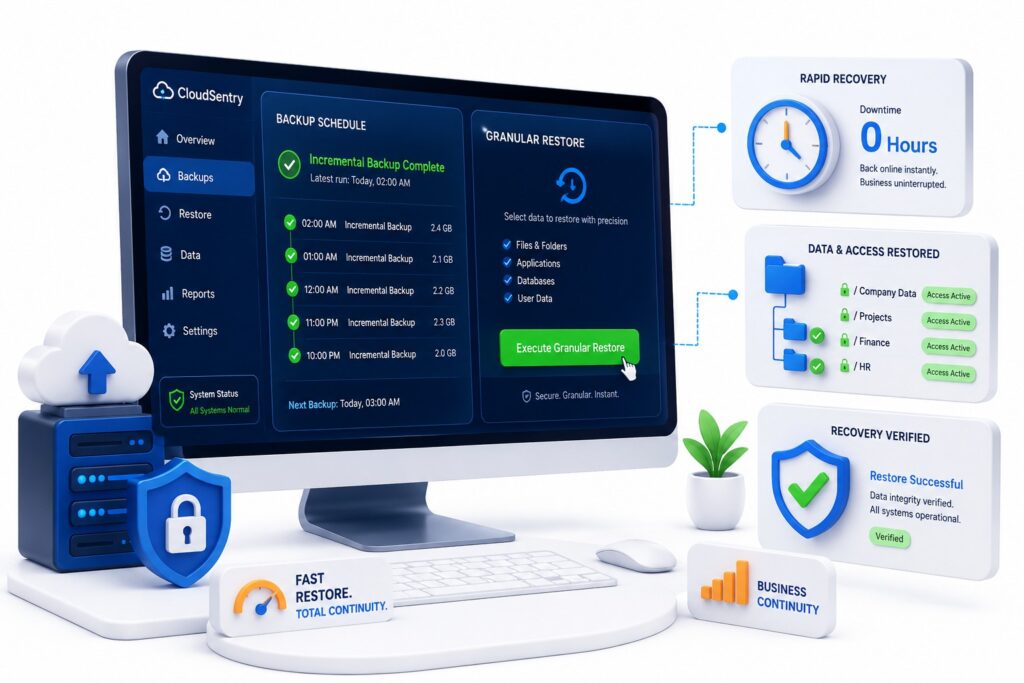
Backups run automatically on the schedule you define, helping ensure protection continues without manual intervention.
2. Permissions and metadata preservation
Permissions and metadata are preserved where supported by the source platform, helping businesses recover data with the context users expect.
3. Bring Your Own Storage (BYOS)
Cloudsfer allows businesses to store backup data directly in destinations they control, including Amazon S3 and Azure Blob Storage. Your backup data remains in storage you own, supporting greater flexibility and long-term control.
4. Restore capabilities
Cloudsfer provides restore capabilities designed to support business continuity and reduce downtime.
5. Incremental backups
After the initial backup, only new or modified data is transferred, reducing backup windows while also keeping recovery points up to date.
What Should a Resilient SaaS Backup Strategy Include?
A modern SaaS backup strategy should include the following components:
| Essential Component | Why It Matters |
| Automated backup schedules | Eliminates manual gaps and keeps backups current |
| Permissions and metadata preservation | Ensures restored data is immediately usable |
| Independent storage | Keeps backup data separate from the production environment |
| Reliable restore capabilities | Supports faster recovery with less disruption |
| Customer-controlled storage | Gives businesses ownership and flexibility over backup data |
Conclusion
A backup strategy built for SaaS environments is defined by how confidently it helps your business recover.
Building a more resilient strategy means identifying gaps before they become business interruptions. Automated backups, independent storage, permissions and metadata preservation, and a well-defined recovery process work together to create a backup strategy that’s ready for real-world incidents
Frequently Asked Questions
1. What is a SaaS backup strategy?
A plan for independently protecting data in cloud applications like Egnyte, SharePoint, or Google Drive. It includes automated backups, defined recovery processes, and storage you control.
2. Why isn’t native SaaS retention enough?
Native retention has time limits and wasn’t designed to replace an independent backup. Once retention expires, recovery options may be limited.
3. Why do permissions and metadata matter?
Without them, recovery often requires manually rebuilding folder structures and access controls, increasing downtime.
4. What does BYOS mean?
Bring Your Own Storage. Backup data is stored directly in destinations you own, such as Amazon S3 or Azure Blob Storage, giving you greater control over your data.
5. What should I look for in a SaaS backup solution?
Look for automated backups, independent storage, permissions and metadata preservation, reliable restore capabilities, and a straightforward recovery process.