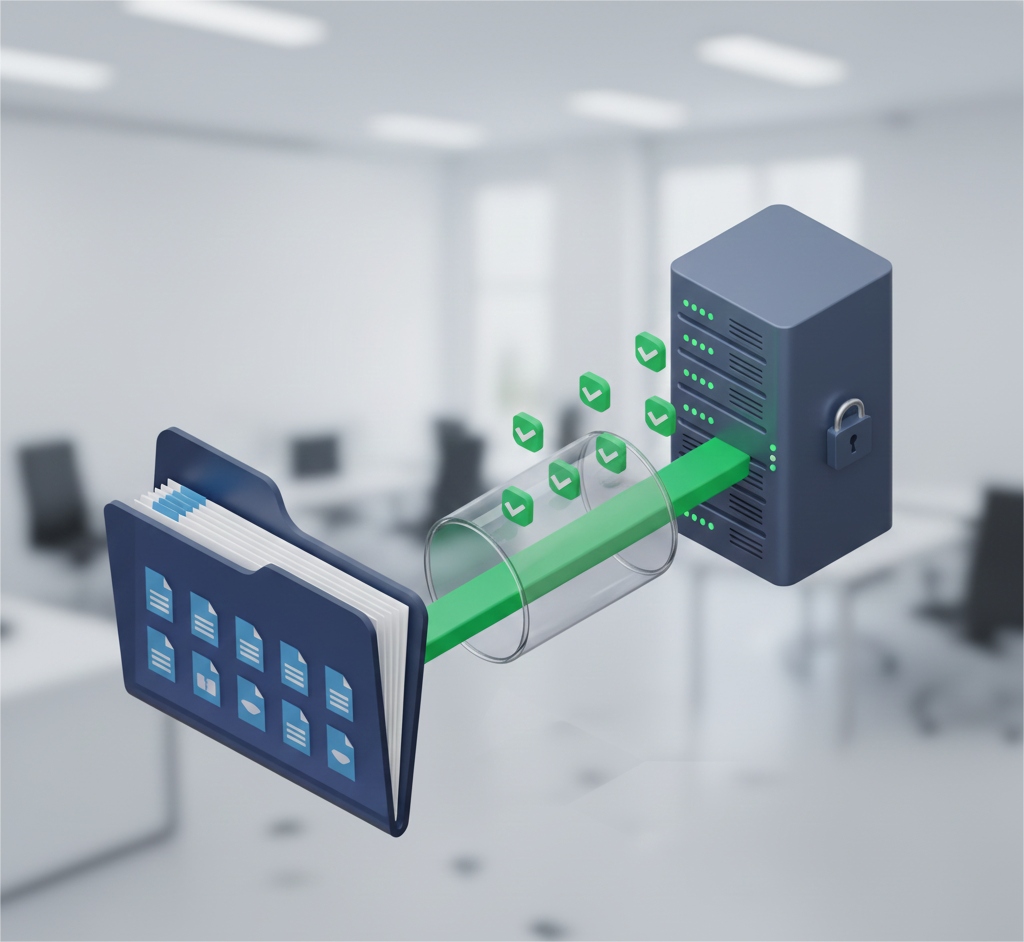
Egnyte is a powerful cloud content platform trusted by businesses around the world for secure storage, collaboration, and file sharing. But even with built-in retention features, relying solely on Egnyte’s native protections isn’t enough to ensure complete data protection against accidental deletion, corruption, or cyber threats such as ransomware.
In this blog, we’ll explain why a dedicated Egnyte backup strategy is essential and how Cloudsfer makes it easy to automate secure backups with advanced scheduling and retention controls.
Why Relying on Egnyte Alone Isn’t Enough to Protect Your Data
Many teams assume that storing files in Egnyte means their data is fully protected, but that’s a common misconception. While Egnyte provides tools for sharing and basic recovery, comprehensive backups with flexible scheduling and long-term retention policies are still the responsibility of the user. Without a proper backup solution:
- Accidental deletes may be permanent after the recycle bin expires.
- File corruption could lead to loss of versions or critical documents.
- Ransomware and other cyberattacks can permanently encrypt or destroy files.
That’s why businesses need to add a reliable automated backup layer to their Egnyte data protection strategy.
How Cloudsfer Helps You Back Up Egnyte Data Securely
Cloudsfer offers a flexible, secure, and automated Egnyte backup solution built for enterprise needs. With simple setup and powerful controls, you’ll get full visibility and protection over your Egnyte data.
- Secure, Encrypted Transfers
All backup data is transferred securely over encrypted connections, so your files remain protected during the entire backup process.
- Full File & Metadata Backup
Cloudsfer preserves folder structure, metadata, version history, and permissions(where relevant), meaning your backups are complete and accurate replicas of your Egnyte workspace.
- Automated Scheduling
Set daily, weekly, or custom schedules to automate backups with no manual steps needed once configured. Scheduling ensures your backups stay up-to-date and consistent over time.
- Retention Policies
Configure retention rules that match your business requirements, keeping historical backups for as long as you need. This helps support compliance and recovery policies.
Incremental (Delta) Backups
Cloudsfer supports incremental backups, meaning after the initial run, only new or modified files are backed up. This conserves bandwidth and saves storage while keeping backups fresh.
Common Mistakes Organizations Make(and How to Avoid Them)
Mistake #1: Assuming Egnyte’s Default Protections Are Enough
Basic file recovery might not replace a full backup strategy. Files deleted or overwritten may still be unrecoverable without a separate backup.
Fix: Use Cloudsfer’s automated backup to ensure a persistent and retrievable copy of all Egnyte content.
Mistake #2: Not Preserving Metadata and History
Backing up only raw files might strip out important info like version history or permissions.
Fix: With Cloudsfer, backups include metadata and versioning(where relevant) for accurate restorations.
What Reliable Egnyte Backup Looks Like in Practice
| Before | After With Cloudsfer |
| Manual exports or no backups | Automated, scheduled backups |
| Limited version history | Full versions and metadata preserved |
| No long-term retention | Custom retention policies |
| No visibility into backup outcomes | Detailed reports and monitoring |
Final Thoughts
No business can afford to leave critical files unprotected. Accidents happen, ransomware is a real threat, and compliance often requires retention far beyond what native tools provide.