Egnyte is a widely used cloud platform for storing, sharing, and collaborating on business files. Although it provides helpful version history and recovery features, organizations often enhance their data protection strategy by adding independent backups for greater flexibility and long-term retention.
What Are the Limits of Egnyte’s Native Tools?
Egnyte offers versioning and deleted item recovery, but these features alone do not meet enterprise-grade backup standards:
- Version history is only inside Egnyte – You can roll back to earlier file versions within the platform, but that’s not a separate backup copy.
- Temporary deleted item retention – Files removed from Egnyte may only be available for a limited time, depending on your plan and settings.
- No Bring-Your-Own-Storage (BYOS) – You cannot automatically export backups to your own cloud or storage for third-party retention and control.
- Manual workarounds – Teams sometimes rely on manual downloads, scripts, or local archives to try to keep copies outside Egnyte, but these approaches are error-prone and do not guarantee complete coverage.
Bottom line: Egnyte’s native recovery tools are not independent backups, and relying on them alone leaves gaps in your data protection strategy.
How Does Cloudsfer Simplify Egnyte Backup?
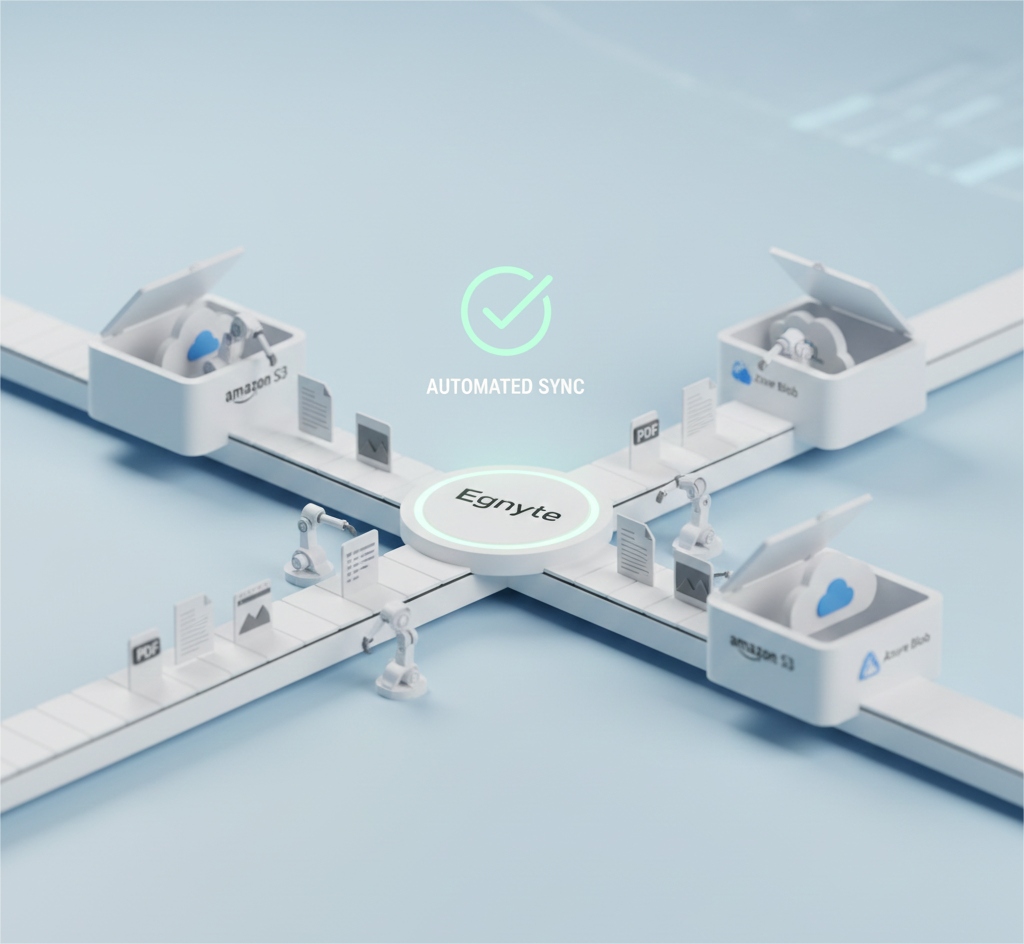
Cloudsfer fills the gap by providing a comprehensive, automated cloud backup solution designed to protect Egnyte data the smart way:
- Automated Scheduling
Configure daily, weekly, or custom backup schedules so your data is protected without manual intervention.
- “Set & Forget” Capability
New files and folders added to Egnyte are automatically included in backup plans, and no need to reconfigure jobs every time your workspace changes.
- Granular Restore
Restore individual files, entire folders, or full datasets quickly when needed.
- Enterprise-Grade Security
Cloudsfer uses end-to-end encryption and supports strong authentication to keep your backups secure.
Common Mistakes Teams Make With Egnyte Backup
Mistake #1: Assuming Egnyte’s Recovery Features Are Enough
Version history and recycle bin features are helpful, but they are not independent backups. If an account is compromised or data is permanently deleted, these tools provide limited protection.
How to Avoid It: Use Cloudsfer to automatically send Egnyte data to external storage you control.
Mistake #2: Relying on Manual Backups or Exports
Manual exports are time-consuming, inconsistent, and easy to forget.
How to Avoid It: Automate backups with Cloudsfer’s scheduling and monitoring tools.
What Outcomes Can IT & Business Teams Expect?
By pairing Egnyte with Cloudsfer backup, organizations gain:
- Faster recovery: Restore files in minutes, not hours or days
- Data sovereignty & cost control: Store backups in a destination like Azure Blob or Amazon S3-Compatible.
- Reduced risk exposure: Independent backups mean ransomware or tenant-wide issues don’t threaten continuity.
Egnyte Backup Features Comparison
| Feature | Egnyte Native Tools | Cloudsfer Egnyte Backup |
| File versioning | ⚠ Limited (platform only) | ✅ Full backups + off-platform copies |
| Deleted item recovery | ⚠ Limited window | ✅ Independent recycle bin |
| Automated scheduling | ❌ | ✅ |
| Bring-Your-Own-Storage | ❌ | ✅ |
| Granular restore | ⚠ Manual | ✅ File/folder/data level |
| Ransomware safeguards | ❌ | ✅ |
| External storage compatibility | ❌ | ✅ |
Conclusion
Egnyte is a powerful platform for file collaboration, but it’s not a complete backup solution on its own. For true protection, include automated schedules and use secure third-party storage. For that, pairing Egnyte with Cloudsfer’s backup capabilities is the smart way to protect your business data.