TL;DR:
Many organizations treat cloud migration and backup as separate tasks, a critical mistake. Combining both under a unified strategy can ensure data integrity and operational resilience. This blog outlines how adopting the 3-2-1 backup rule can help secure cloud migration and data backup, whilst preparing for whatever 2026 throws at your infrastructure.
When enterprises think cloud-first, they usually think ‘fast’. How fast can we migrate? How fast can we scale? But as many have learned the hard way, speed without resilience leads to failure.
Migration is often the first step in rethinking how an organization operates. That makes it the perfect moment to reassess how data is protected and not just where it resides. Backup planning is no longer a side initiative; it has become a foundational pillar of any smart cloud migration.
Cloud Migration and Backup: Two Sides of a Long-Term Strategy
Treating migration and backup as distinct processes is a legacy mindset. It made sense when storage was static, and technical environments were simpler. But in today’s architectures, data is constantly in motion, it’s across teams, providers, and geographies.
Here’s where the problem shows up:
- Data is migrated without retention policies.
- Old versions are lost or overwritten by synced content.
- Backups reside in the same ecosystem as production data, offering little protection.
- No recovery plan exists for mid-migration errors or sync failures.
Meanwhile, threats don’t wait. Human error wipes shared folders. And platform lock-in prevents flexible recovery. Backup should be in place before, during, and after a migration, not after something goes wrong.
Why Migration and Backup Belong Together?
Migration is the act of changing location. Backup is the commitment to maintaining access, regardless of location.
They go hand in hand because each introduces risk, the other mitigates:
- Migration brings transformation → backup preserves stability.
- Backup adds redundancy → migration ensures relevance.
- Together, they create a resilient environment.
Backup Starts with a Smarter 3-2-1 Policy
The 3‑2‑1 rule is about keeping your backups far enough apart that if something fails, everything doesn’t go down with it. In a cloud-first world, that means using different platforms, so you always have a way back when things break.
Here’s what that looks like:
- 3 copies: Your main data, a backup, and a fully independent fallback
- 2 types of storage: Cloud + object storage, or SaaS + local hardware
- 1 isolated copy: No sync, no shared credentials, fully versioned and secure
Real-world example:
If you’re migrating project files to Autodesk Construction Cloud. Your smarter 3‑2‑1 setup could look like this:
- Copy 1: Live project files now stored in Autodesk Construction Cloud (your production environment)
- Copy 2: A scheduled nightly backup sent to Amazon S3, stored in a separate cloud platform
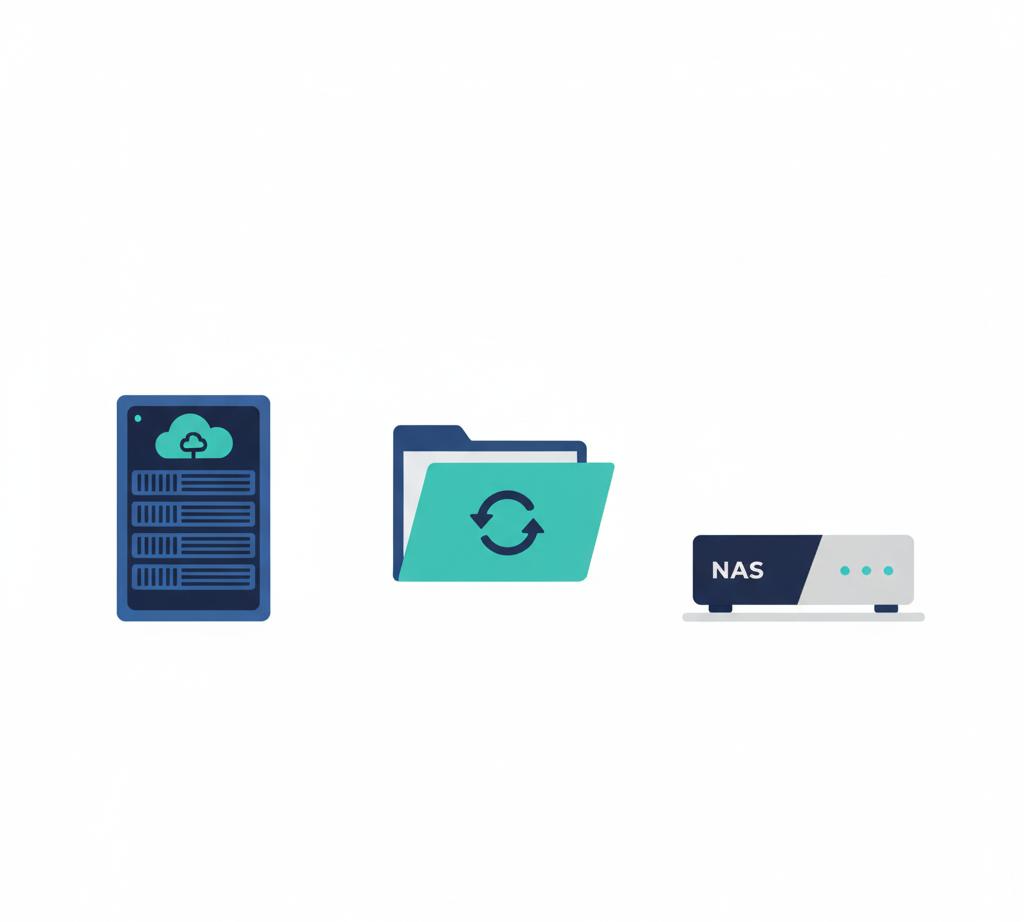
- Copy 3: A versioned, offline copy saved to a local NAS, completely disconnected from cloud syncs or shared credentials
If something breaks during the move, like a corrupted file, a sync failure, or even user error, you’re covered.
📌Need help with data backup? Reach out here
Practical Strategy for 2026
By 2026, cloud environments will only get more complex and more critical. That means making ‘backup’ a part of the migration plan from day one.
Here’s how to put that into practice:
- Build backup into every migration path. Before any move, define where your backups live, how they’re versioned, and who controls access.
- Modernize the 3-2-1 rule. Use different platforms, not just different folders. One copy should always be outside your main cloud ecosystem.
- Don’t sync your backups. Sync tools mirror changes, including mistakes. Your backup should be disconnected from your production system.
- Automate everything you can. Choose a migration and backup partner like Cloudsfer that supports scheduling, retention policies, and version control, so your data protection doesn’t depend on manual tasks.
- Make restore tests part of your process. It’s not a real backup if you’ve never tested a restore. Occasionally, testing builds confidence.
Frequently Asked Questions(FAQs)
1. Do I really need to back up before migrating?
Yes, always. Things break. Backups save you.
2. Isn’t cloud storage already safe?
Safe-ish. But it won’t protect you from human error, sync issues, or ransomware.
3. Is the 3‑2‑1 rule still relevant?
Very. It just needs a twist: separate platforms, not just separate files.
4. Biggest mistake during migration?
Not planning for recovery. If something goes wrong, you need a way back.
5. What’s “platform-independent” backup?
It means your backup isn’t stuck in the same place as your main data.